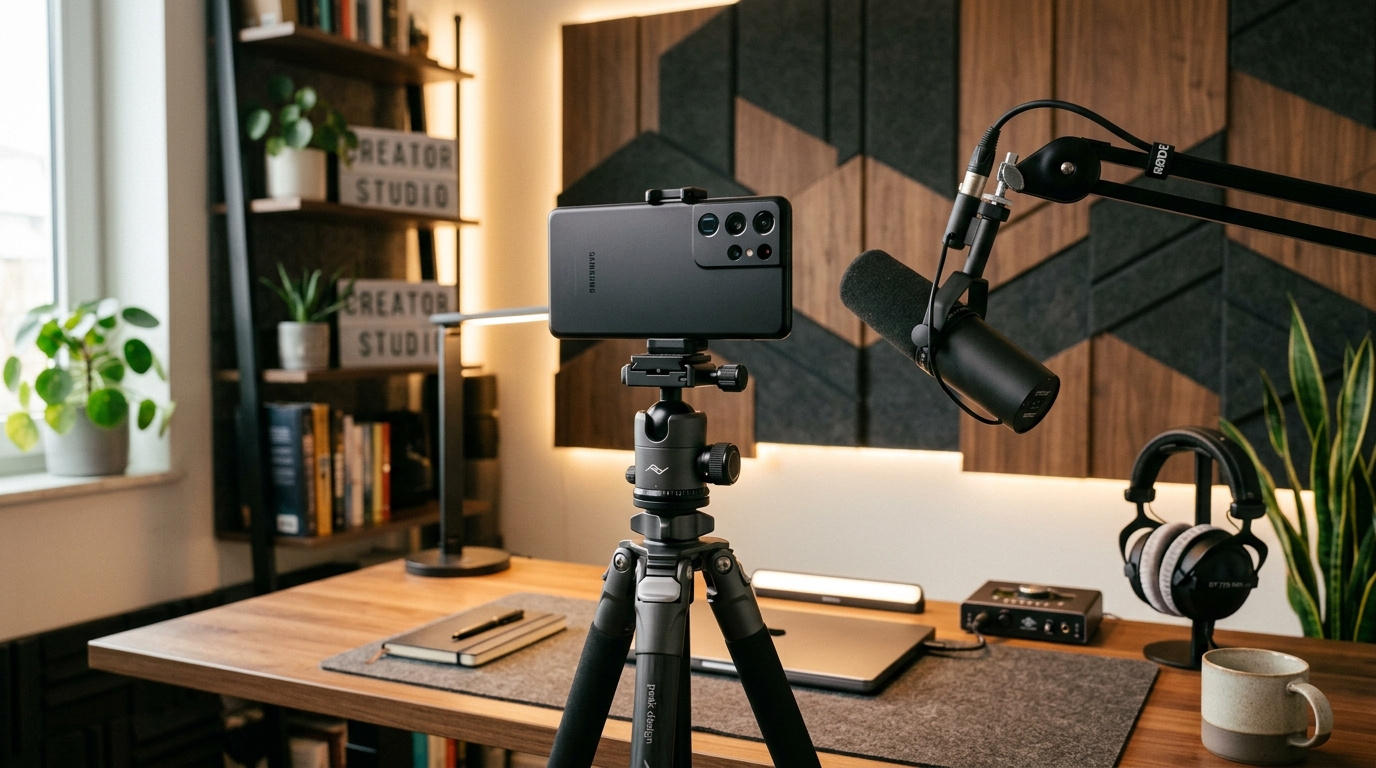
The traditional commercial recording studio is rapidly becoming an obsolete concept for independent creators. For modern production workflows, the "studio" is simply the mobile device in your hand. A mobile production studio is a self-contained hardware and software ecosystem capable of recording, processing, and rendering professional-grade audio and video locally without relying on heavy desktop towers. In my role as a research engineer building AI-powered image and video generation technologies at AI App Studio, I spend a lot of time evaluating where media creators experience the most technical friction. The conclusion is almost always the same: creators are blocked by the logistics of production, not a lack of ideas.
Transitioning from a traditional desktop setup to a fully mobile AI production pipeline requires a shift in how you view your hardware. You do not just need a camera; you need an integrated system that handles rendering, audio isolation, and even administrative tasks simultaneously. Here is my step-by-step framework for building a technology-focused production workflow that actually works in the real world.
Step 1: Audit Your Most Tedious Audio and Video Bottlenecks
Before installing new software or buying external gear, you must identify what exactly slows down your production. The primary pain point for most video and music producers is not the creative act itself, but the hours spent cleaning up poorly recorded source material.
We see a clear trend in user behavior: professionals want automation for tedious cleanup, but they want total manual control over the final creative output. According to a 2024 survey by Sonarworks tracking over 1,100 producers, artificial intelligence has definitively moved from a novelty to a necessity. The data reveals that 60% of producers use AI as an ideation tool, and 30% actively integrate its suggestions into their tracks as a co-producer. Crucially, only 5% delegate full production to algorithms.
Actionable Tip: Map out your current post-production hours. If you are spending more than 20% of your time on noise reduction, vocal isolation, or basic color correction, those are the exact tasks you should shift to localized mobile AI models. The goal is to eliminate friction, not the human operator.
Step 2: How Do You Bypass the Commercial Soundstage Shortage?
Physical space is one of the most significant barriers to high-quality media creation. You might think you need a dedicated, acoustically treated room to produce professional content. The reality of the commercial real estate market makes this increasingly difficult.
Recent data from Deloitte's assessment on studio production industry trends confirms this physical bottleneck. Their analysis determined that demand for production space at soundstages is continuing to outpace supply in major hubs like Los Angeles and New York through at least 2025. With bespoke studios in high demand by massive network producers, independent creators are largely priced out of premium spaces.
This is where visual and audio rendering software comes into play. Instead of renting a soundstage, you can utilize advanced depth-mapping and local green-screen processing directly on a phone. Current market research indicates a consumer shift toward practical, cost-effective solutions for studio backgrounds, emphasizing value over complex physical setups. By relying on software that develops detailed synthesized environments locally, you completely remove the physical room from your list of dependencies.
Step 3: The Hardware Reality for Modern Creators
A common misconception is that running advanced audio separation or video processing models requires the absolute newest flagship device. As someone who tests these limitations daily, I can tell you that the baseline for acceptable performance is lower than you might assume.
Here is a basic decision framework for selecting your mobile production hardware:
- Baseline Audio Processing: If your primary focus is podcasting or music production where you need to run automated mixing assistance or stem separation, an older device like an iPhone 11 has a capable enough neural engine to handle offline audio inference without excessive battery drain.
- Visual Framing and Monitoring: If you are shooting video and need a larger viewfinder to monitor live AI filters or background replacement, an iPhone 14 Plus provides the necessary screen real estate while keeping thermal management stable during long shoots.
- High-End Video Rendering: For 4K processing, real-time depth calculation, and advanced local video generation, an iPhone 14 Pro offers the specific camera sensors and computational headroom required to match desktop-level output.
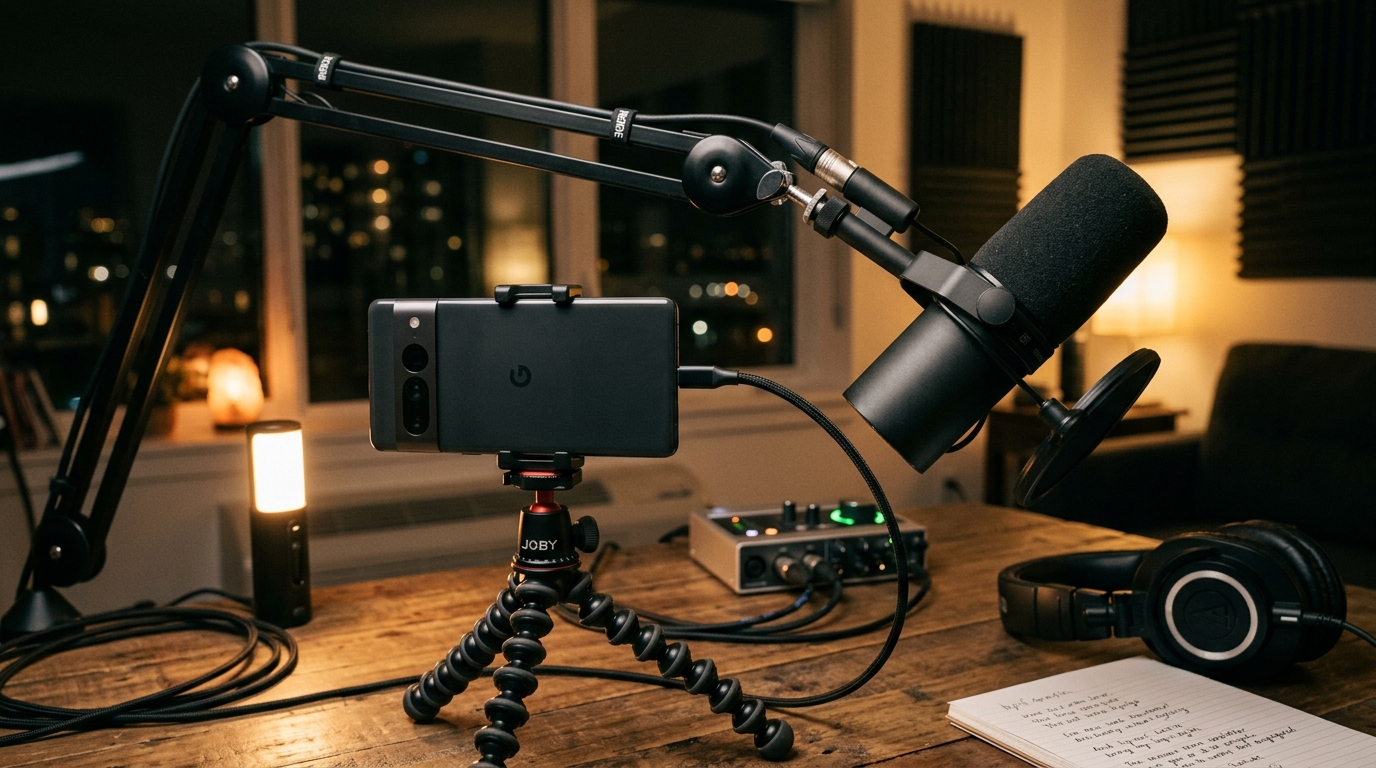
Keep in mind that the external hardware you connect to these devices still matters. The audio and video equipment market is projected to reach $21.4 billion in 2026, largely driven by high-performance peripherals. Search interest for "studio microphone" consistently outpaces interfaces and monitors. If you pair a reliable mobile device with an industry-standard microphone—like the Shure SM7B, which remains the gold standard for broadcast audio—you effectively match the quality of a commercial radio station.
Step 4: Centralize the Administrative Side of Production
A functional studio is a business, not just a recording booth. One of the biggest mistakes I see independent producers make is splitting their workflow: they shoot media on their phone, but then rely on a desktop computer to manage the operational paperwork.
To operate a truly mobile studio, your administrative tools must live on the same device as your creative tools. When you are on a remote shoot or finalizing a brand deal on location, you need immediate access to your business operations. You should integrate a lightweight CRM to manage your client contacts, production schedules, and invoicing. Additionally, having a versatile PDF editor installed is non-negotiable; you will routinely need to review scripts, annotate storyboards, and sign location release forms on the spot.
If you cannot sign a contract or update a client record from the exact same device you use to shoot your footage, your mobile workflow is broken.
Step 5: Prioritize Software That Evolves With Your Hardware
The final step in this process is software selection. At AI App Studio, we are a technology-focused software studio that develops practical mobile applications with artificial intelligence integration designed specifically for this kind of localized workflow.
When selecting apps for your pipeline, prioritize tools that utilize edge computing—meaning they process data directly on your device's chips rather than sending it to a cloud server. Cloud-dependent apps introduce latency, require constant internet connections, and often compress your media files during transfer. As Efe Yılmazer explained in a recent post debunking common myths about mobile AI software, thoughtful LLM and image model integration is actively replacing heavy desktop workflows with agile, privacy-first mobile solutions.
Frequently Asked Questions About Mobile Workflows
Can a mobile device really handle complex stem separation without crashing?
Yes. Modern mobile processors feature dedicated neural hardware specifically designed for matrix multiplication—the core math behind AI models. Audio separation tasks that would have melted a laptop CPU five years ago now run efficiently in the background of your phone.
Is it worth buying high-end audio interfaces for a phone?
It depends on your microphone. If you are using a dynamic broadcast microphone, you will still need an interface or inline preamp to provide adequate gain before the signal hits your mobile device. However, many modern USB-C microphones now include built-in processing that bypasses the need for an external interface entirely.
How do I manage storage when rendering high-resolution video locally?
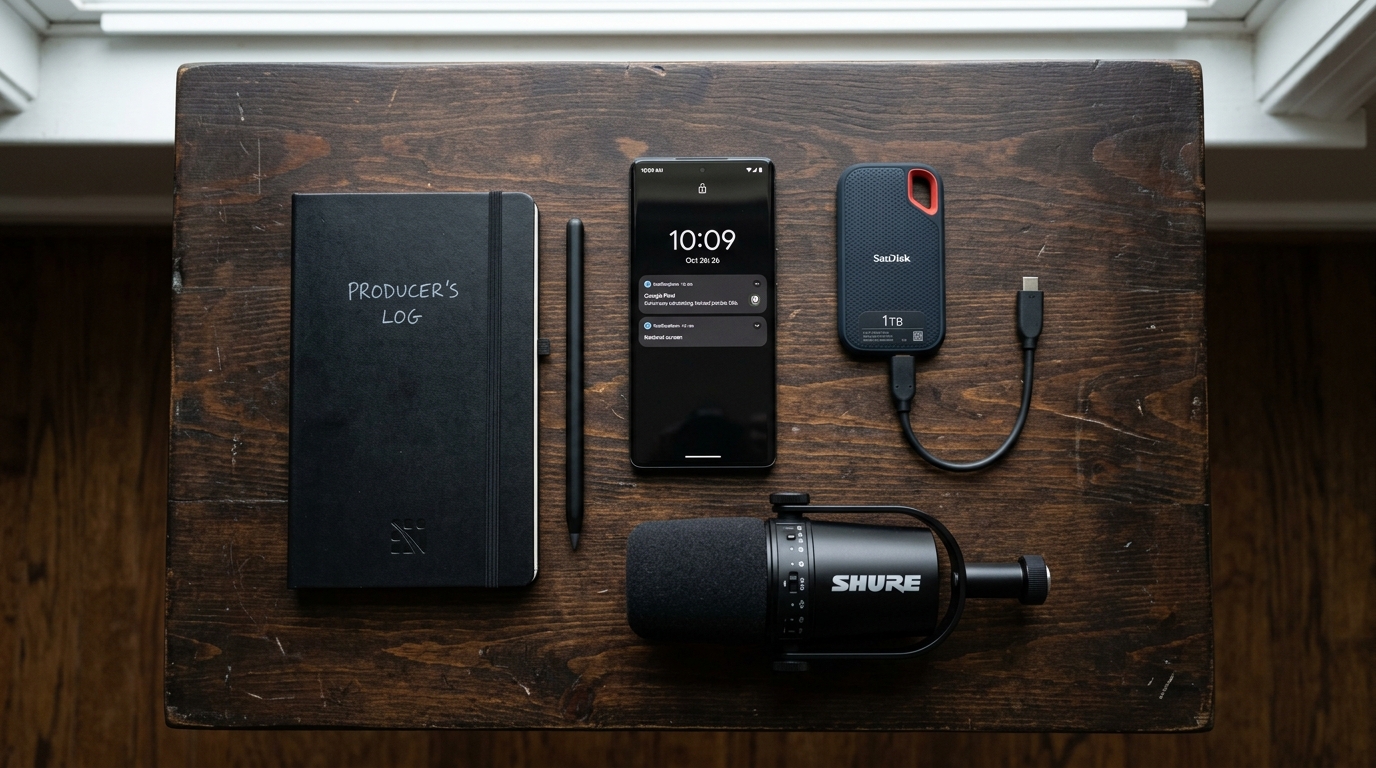
Storage is the primary bottleneck of edge computing. The most practical solution is to utilize high-speed external SSDs plugged directly into your device's port, recording your raw footage directly to the drive rather than filling up your internal storage.
The era of being chained to a desk to produce professional media is over. By identifying your specific bottlenecks, bypassing the need for physical soundstages, selecting the right tier of hardware, and consolidating your administrative tasks, you can turn the device you already own into a professional-grade production facility.